Pixel art characters, made in Pixxxel
Every character on this page came out of Pixxxel exactly as you see it: one render, one palette, no touch-ups. They're 1-bit pixel art, two tones on a true pixel grid.
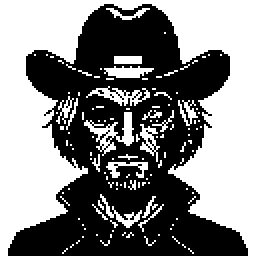
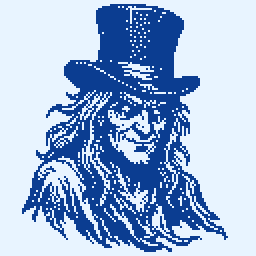
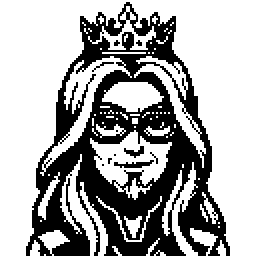
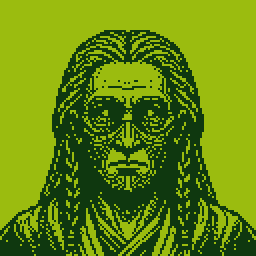
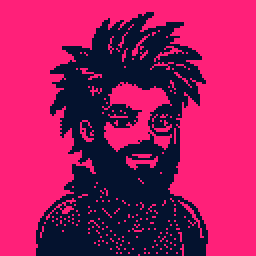
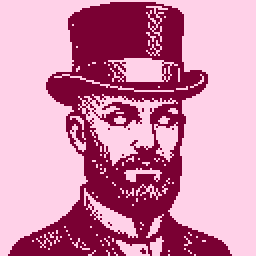
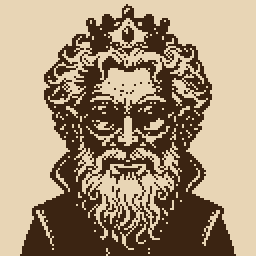
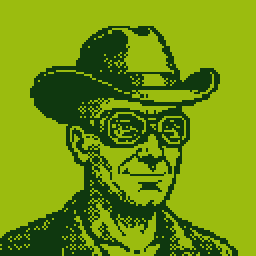
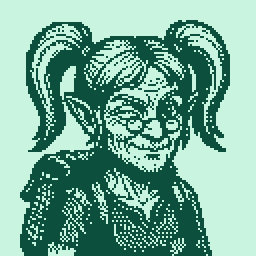
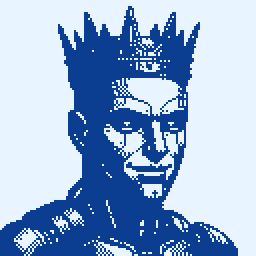
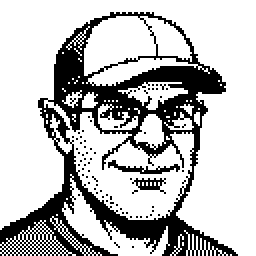
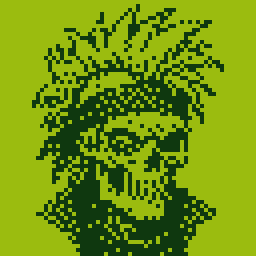
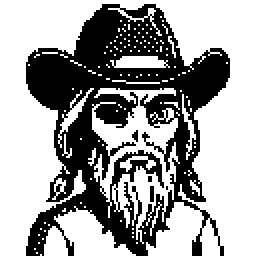
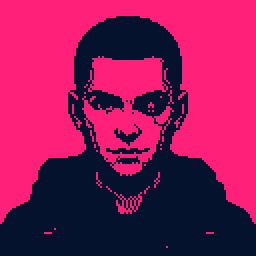
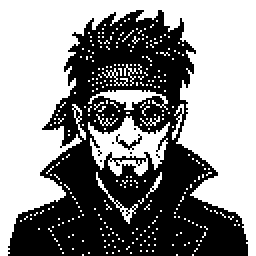
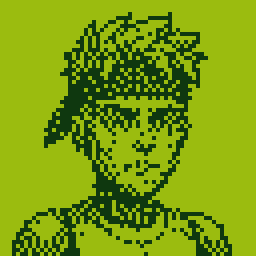
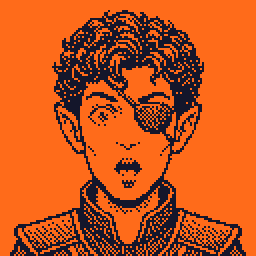
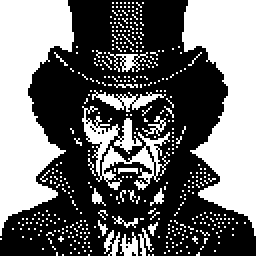
Pixxxel renders at 32, 64 or 128 px; these were exported at 256.
How a character is built
You don't draw these. You pick what the character is, and Pixxxel renders it.
- Eight traits: type, gender, age, hair, facial hair, eyes, expression and accessory. Lock the ones you like and reroll the rest.
- Fifteen character types, including human, orc, alien, robot, ghost, vampire, skeleton, zombie, demon, elf, goblin and fairy.
- Fourteen archetype presets when you want a starting point: Wizard, Necromancer, Cyborg, Elf Ranger, Demon Lord, Ghost Pirate, Detective and more.
The full walkthrough, and why every render comes out as real pixel art, is on the pixel art generator page.
Palettes
Black and white is the default. Eighteen duotone palettes recolour a character without changing a pixel, from Game Boy to Amber CRT; that's how the same kind of portrait above comes out green, blue, pink or sepia. Tap a palette again to swap ink and paper.
1-bit, not 8-bit
“8-bit” usually means the look of 1980s games: a handful of colours per sprite. Pixxxel goes further down. Every pixel is one of two tones, which gives the hard-edged, dithered look you see here. The retro palettes add the colour without breaking the 1-bit grid.
Use them
Export a PNG at 64, 128, 256, 512 or 1024 px, or a scalable SVG. You can also copy a portrait or drag it straight to Finder, and every render auto-saves to your gallery.
Free, with no subscription. Pixxxel is free on the Mac App Store. You bring an image-model API key from Google, OpenAI or Hugging Face, and renders bill to that provider directly.
Needs macOS 15 or later and one API key.
New to API keys? Support lists where to get one; most providers have a free tier to start.